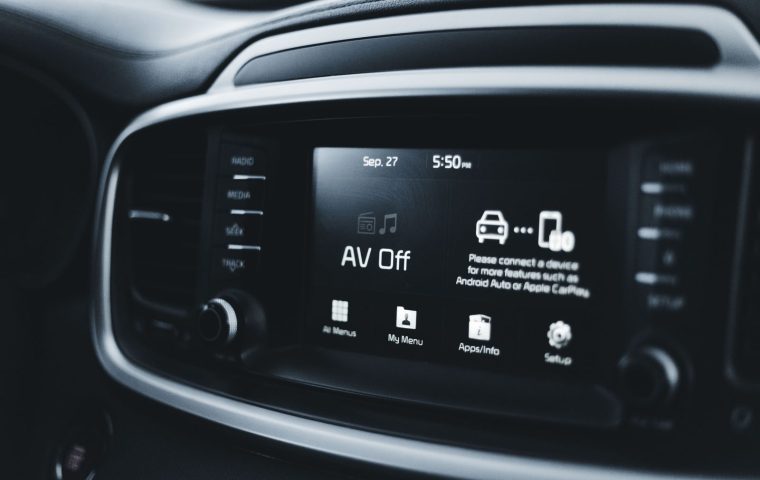

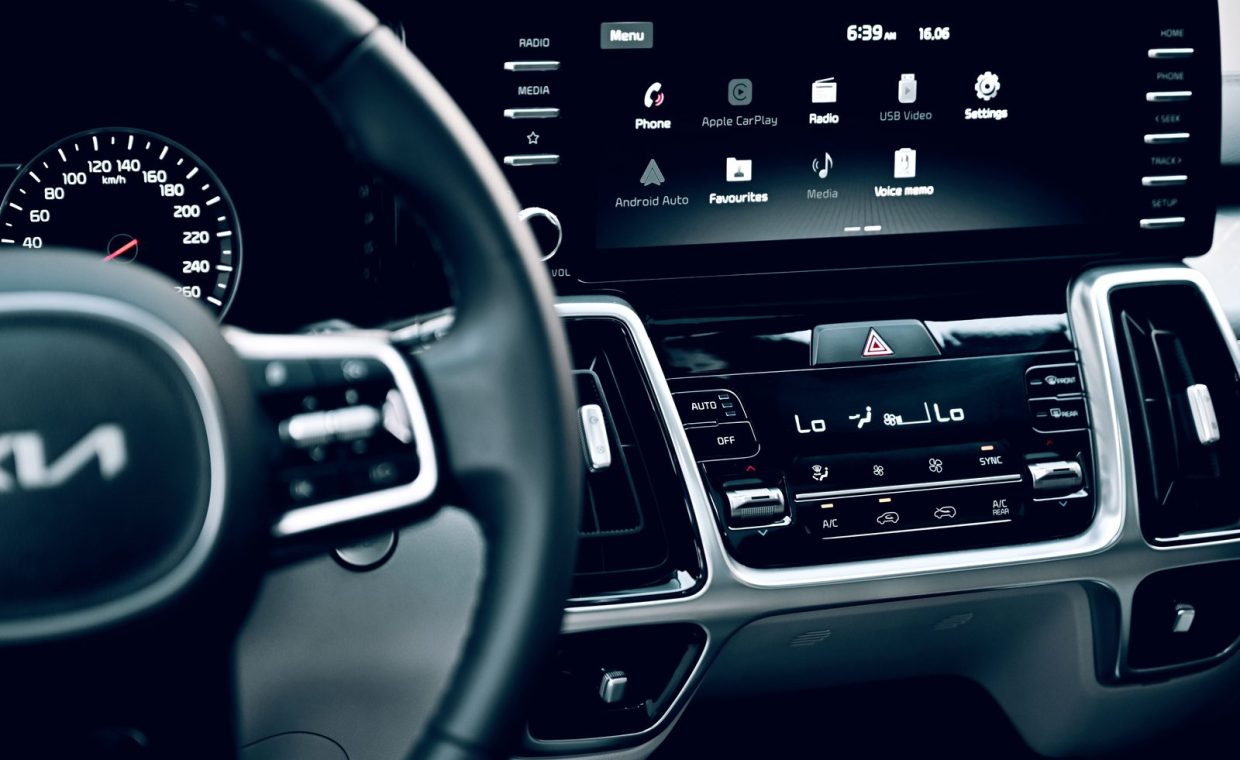
The first time I really understood the difference, I was sitting in a parking garage outside a coffee shop, helping my brother set up his new SUV. He has an iPhone. His wife has a Pixel. They share one car. Every morning starts with the same small argument about whose phone gets to plug in.
That little standoff is the whole story in miniature. Both Apple CarPlay and Android Auto do the same basic job: they take the phone you already trust and throw a cleaner, driving-safe version of it onto your dashboard screen. Maps, music, messages, calls. But the moment you live with one daily, the small differences start to matter a lot.
So let me walk you through how these two actually feel behind the wheel, not just how they look on a spec sheet. Because the right answer almost always comes down to the phone in your pocket and the way you actually drive.
What These Systems Really Do
Strip away the marketing and both platforms are projection systems. Your phone does the heavy lifting, and the car's screen becomes a big, simplified remote control. The car itself is mostly just a monitor with some buttons and a microphone.
CarPlay is Apple's version, built for iPhones. Android Auto is Google's version, built for Android phones. They do not cross over. An iPhone cannot run Android Auto, and an Android phone cannot run CarPlay. That single fact decides the question for most people before they even compare features.
What you get on the screen is a curated slice of your phone. Navigation, audio, calls, texts read aloud, and a handful of approved apps. You will not be scrolling social media or watching video, and honestly that restraint is the point. These systems exist to keep your eyes up and your hands mostly on the wheel.
The Daily Driving Feel
Here is where I geek out a little, because the experience splits along habit lines.
CarPlay feels tighter and more predictable. Apple controls both the phone and the software, so transitions are smooth and the layout rarely surprises you. If you already live inside Apple Maps, Messages, and Apple Music, it slides into your routine like it was always there.
Android Auto feels more flexible and a touch more powerful, especially if you lean on Google. Google Maps is the headliner here, and for a lot of drivers it is the single best reason to pick this side. The lane guidance, the live traffic rerouting, the way it just knows your usual destinations, it all adds up on a long commute.
If you commute through heavy, unpredictable traffic, spend a week testing Google Maps versus Apple Maps on your actual route before you commit to a phone ecosystem. The navigation engine matters more day to day than any other feature.
Both now offer wireless connection on most newer cars, which sounds minor until you experience it. No fishing for a cable in the dark, no worn-out charging ports. You sit down, the car wakes up, and your stuff is just there. Once you go wireless, the cable feels ancient.
Voice, Messages, and Keeping Your Eyes Up
The safest feature in either system is the one you use without looking. Voice control is how you should be sending texts, changing music, and starting navigation while moving.
Siri handles CarPlay. Google Assistant handles Android Auto. In my experience, Google Assistant understands messy, conversational requests a bit better, while Siri has gotten sharper and more reliable for the basics. Neither is perfect, and both will occasionally text the wrong person something embarrassing, so always listen to the read-back before you confirm.
This is genuinely a safety story, not a convenience one. The whole reason these platforms exist is to pull your attention off a tiny phone screen, which pairs nicely with the broader push toward safer cars. If you care about that side of driving, it is worth understanding how modern driver assistance features actually work alongside your phone, because the two are increasingly designed to complement each other.
Side by Side: CarPlay vs Android Auto
Here is the quick reference I wish someone had handed my brother in that parking garage.
| Feature | Apple CarPlay | Android Auto |
|---|---|---|
| Works with | iPhone only | Android phones only |
| Default maps | Apple Maps (Google Maps also available) | Google Maps (plus Waze) |
| Voice assistant | Siri | Google Assistant |
| Wireless support | Common on newer cars | Common on newer cars |
| Interface feel | Polished, consistent, predictable | Flexible, info-rich, more customizable |
| Best for | People already inside Apple's ecosystem | Heavy Google Maps and Assistant users |
| Learning curve | Very low if you know iPhone | Very low if you know Android |
Notice that most rows are close. The real separator is the top one. Your phone choice has basically already voted.
The Mistakes People Make When Choosing
The most common error I see is shopping for a car based on the dashboard software and ignoring the phone they will keep for the next three years. The phone outlives the car decision. Buy for the phone you love, not the screen demo at the dealership.
Another miss is assuming you must use only one or the other forever. If your household runs both an iPhone and an Android, look for a car that supports both. Plenty do, and it ends the morning plug-in standoff completely.
Before you buy a used car expecting wireless projection, confirm the exact year and trim supports it. Many older systems offer wired CarPlay or Android Auto only, and a head unit swap can run a few hundred dollars or more once you factor in installation.
One more aside. These systems are companions, not replacements for thinking about your whole tech setup. A phone mount, a clean dash, and a good dash cam picked for your needs round out a cockpit that actually serves you. Integration is one piece of a bigger puzzle.
Which One Wins, and For Whom
Let me stop hedging and give you a verdict, because that is what you came for.
If you carry an iPhone, use CarPlay and do not overthink it. It is fast, clean, and deeply tied to the apps you already use. You will be happy.
If you carry an Android phone, use Android Auto, and lean into Google Maps and Assistant. The flexibility and navigation smarts genuinely shine, especially on longer or unfamiliar drives.
If you are a two-phone household or you switch phones often, prioritize a car that supports both. That is the real winning move, because it removes the choice entirely.
There is no bad option here. Both systems are mature, safe, and genuinely useful. The "loser" in this comparison is whichever one does not match the phone you already own and love.
And if you are shopping for an EV specifically, the integration story extends past the drive itself. Many electric models tie charging status and trip planning into the same screen, which pairs neatly with a smart home charging setup so your morning range info lives right where your maps do.
iPhone owners get CarPlay, Android owners get Android Auto, and the platforms do not cross over. Test the navigation on your real route, confirm wireless support before buying used, and if your household mixes phones, choose a car that runs both.
Can I use Apple CarPlay with an Android phone or the other way around?
No. CarPlay only works with iPhones and Android Auto only works with Android phones. The platform you can use is decided entirely by the phone you carry, which is why your phone choice settles the question.
Is wireless CarPlay or Android Auto worth it over a wired connection?
For most people, yes. Wireless means you sit down and everything connects automatically with no cable to fumble for, which saves wear on your charging port. Just remember the phone drains a bit faster wirelessly, so a charging pad or cable for long trips still helps.
Which one has better navigation?
Both let you run Google Maps, so navigation is closer than people think. Android Auto leans on Google Maps natively and tends to feel most polished there, while CarPlay defaults to Apple Maps but happily runs Google Maps or Waze too. Test your real commute route on each before deciding.
So back to that parking garage. My brother and his wife ended up keeping the car they bought specifically because it supports both systems, and the morning argument quietly disappeared. Pick for the phone you actually love, test the maps on the roads you actually drive, and the rest sorts itself out. See you in the next one, and drive smart out there.