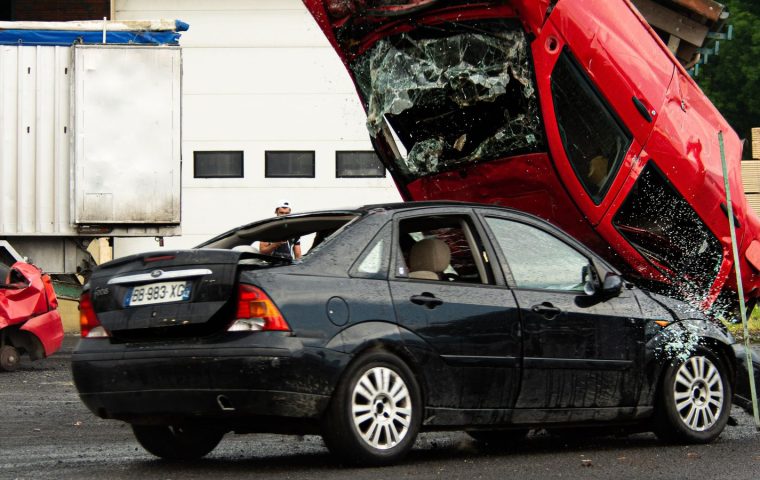

A friend of mine, Theo, leases a midsize sedan loaded with the full safety package. Last winter he told me, with real confidence, that the car "basically drives itself" on his commute up the interstate. Two weeks later he rear-ended a delivery van that had stopped short in fog. The car beeped. He did not brake in time.
His adaptive cruise control had quietly dropped its lock on the van because the radar lost the target in heavy mist. The system did exactly what it was designed to do, which is hand control back when it gets confused. The problem was that nobody was waiting to catch it.
That gap, the space between what these systems can do and what we assume they do, is where most driver-assist trouble lives. The features are genuinely useful. The mistakes come from how we use them.
Treating Lane Centering Like Autopilot
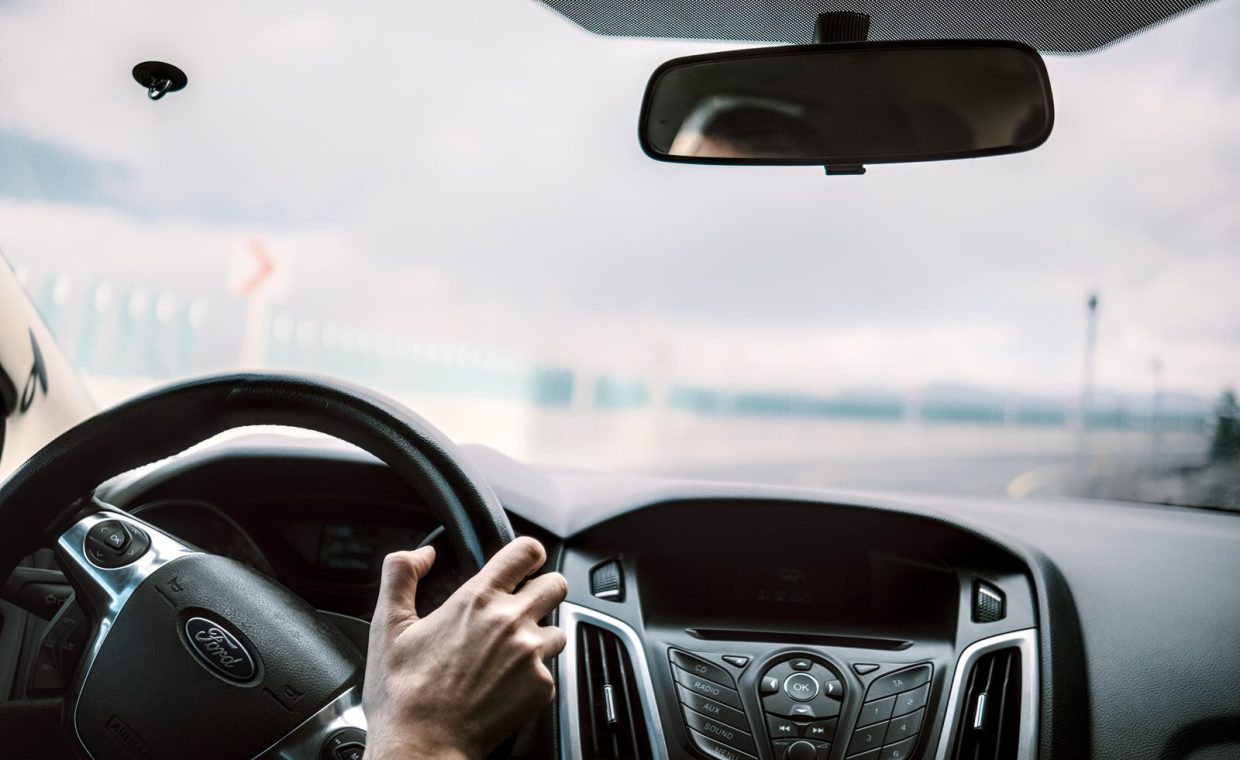
Lane centering steers your car to keep it between the painted lines. It is smooth, it feels almost magical on a clear highway, and it tempts people to relax their hands and their attention at the same time.
Here is why that costs you. Lane centering reads paint. Faded lines, a construction zone, sun glare, or a stretch of road where the lane splits, and the system either disengages or, worse, follows the wrong line for a second or two. At 70 mph, a second or two is a lot of pavement.
The fix: keep both hands resting on the wheel and treat the system as a co-pilot that holds the line so you can micro-correct, not nap. If the road markings look ragged ahead, take over before the car gets confused, not after it beeps at you.
Most lane-centering systems give you a chime and a dashboard icon when they give up. That alert is not a suggestion. It means you are now the only thing steering, effective immediately.
Assuming Automatic Emergency Braking Will Always Save You
Automatic emergency braking (AEB) is one of the best safety features ever put in a regular car. It has prevented countless low-speed crashes. But people quietly start following closer, glancing at their phone longer, trusting that the car will slam the brakes if they miss something.
The catch is that AEB is a last resort, not a buffer. It is tuned to reduce the severity of a crash, and it often cannot stop the car completely above 40 mph or so. Cross traffic, pedestrians at night, a motorcycle, a deer, all of these can fall outside what the sensors reliably catch.
The fix: drive as if the car has no AEB at all, and let it be the surprise backup it was meant to be. Keep a real following distance, the old two-second rule, and you give both yourself and the system room to actually work.
Trusting Blind-Spot Monitors to Replace the Mirror Check
That little amber triangle in your side mirror is handy. After a few months, a lot of drivers stop turning their heads entirely and just glance for the light before changing lanes.
Blind-spot monitors have blind spots of their own. A fast-approaching car can close the gap in the half-second between the system's last scan and your lane change. Bicycles and motorcycles do not always trigger the sensor cleanly. And a dirty or iced-over sensor may simply stop working without telling you loudly.
The fix: use the light as a first alert, then do the head check anyway. It takes a fraction of a second and it catches the things the sensor misses. Old-school shoulder checks have not expired just because the dashboard got smarter.
Fiddling With the Big Screen Because the Car Is "Driving"
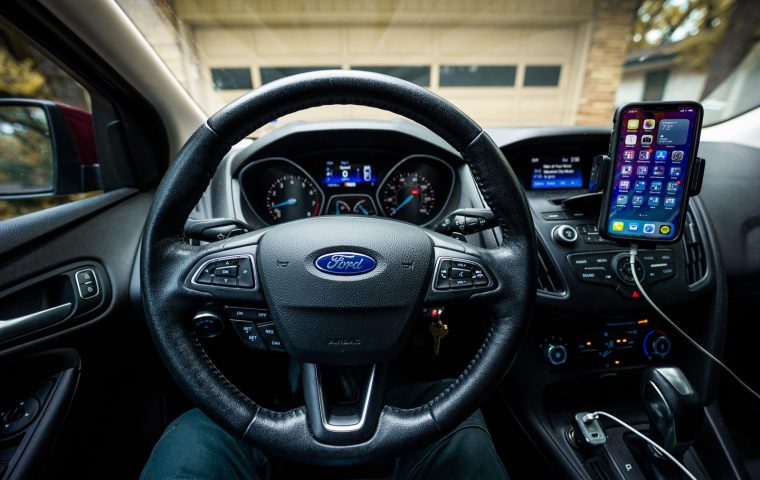
This one sneaks up on people. When lane centering and adaptive cruise are both on, the car feels stable enough that drivers start treating the center touchscreen like a tablet on the couch. They dig through menus, retype an address, scroll music.
Why it costs you is simple math. Every second your eyes are on a menu is a second the assist system is the only thing watching the road, and we already covered how often it gives up without much warning. Touchscreens are worse than old physical buttons here because they demand you look to find anything.
The fix: set up your screen before you roll, not at 65 mph. Learn which infotainment features you will actually use and pin them so they are one tap away. Lean on voice control and steering-wheel buttons for the rest, and save the deep menu diving for when you are parked.
If a task on the screen takes more than two taps while moving, it can wait. Pull over, or ask a passenger. Nothing in the menu is worth a blind second at speed.
Confusing "Hands-Free" With "Eyes-Free"
A handful of newer systems let you take your hands off the wheel on mapped highways. The marketing names sound bold, and that is part of the trouble. People hear hands-free and assume their attention is optional too.
These systems use a driver-monitoring camera that watches your eyes for a reason. The car still expects you to be looking forward and ready to grab the wheel in a heartbeat. If you look down, you get warnings, and if you ignore them, the system can slow the car and lock you out for the rest of the trip.
The fix: enjoy resting your hands if the feature allows it, but keep your eyes doing the same job they always did. Treat hands-free as a way to reduce arm fatigue on a long, boring stretch, not as permission to check out.
Letting the Nav and Sensors Lull You Into Autopilot Brain
There is a mental version of overtrust that has nothing to do with steering. When the navigation is confidently narrating every turn and the car is handling speed on its own, drivers stop building their own picture of the road. They go passive.
That passivity is the real danger. You stop anticipating the merge, the school zone, the light that always turns red. Built-in systems and phone apps both encourage this, though they fail in different ways, which is worth understanding before you decide which to trust. I dug into the tradeoffs in this comparison of built-in navigation versus phone maps, and the short version is that neither one removes your job as the person actually deciding what the car does.
The fix: narrate the road to yourself the way a driving instructor would. Call out hazards in your head, predict the next two moves, and treat every assist feature as input rather than a decision. Stay the pilot, not the passenger.
Think of ADAS like a sharp but literal-minded intern. Great at the boring, repetitive task you assign. Terrible at noticing the weird thing nobody told it to expect. You are still the one signing off on every decision.
Skipping the Manual and the Software Updates
Almost nobody reads the section of the owner's manual that explains exactly when their assist features turn off. So they learn the limits the hard way, usually mid-mistake.
It costs you because every brand draws the line differently. One car's adaptive cruise handles stop-and-go traffic; another's switches off below 20 mph. Some lane systems quit in the rain. And a skipped software update can leave a known sensor quirk unpatched for a year.
The fix: spend twenty minutes with the driver-assistance pages of your manual, then take the car to an empty road and test each feature so you feel the limits yourself. Keep the software current, the same way you would not ignore charging habits or public charging etiquette just because the basics seem obvious. The small homework pays off when something goes wrong.
Every mistake here is the same root error wearing a different hat: assuming the system is doing more than it is. The features assist. You drive. Keep that order straight and these tools become a genuine safety net instead of a comfortable trap.
Quick Reference: What Each Feature Does and Does Not Do
| Feature | What it handles | Where it quits |
|---|---|---|
| Adaptive cruise | Speed and gap on open road | Fog, stopped traffic at speed, sharp cut-ins |
| Lane centering | Steering between clear lines | Faded paint, construction, glare, splits |
| Automatic braking | Reducing low-speed crashes | High speed, cross traffic, night pedestrians |
| Blind-spot monitor | Cars in the adjacent lane | Fast approachers, bikes, dirty sensors |
Does using driver-assist features make me a worse driver over time?
It can, if you let your habits slip. Skills like scanning mirrors and judging following distance fade when you stop practicing them. Keep doing the manual checks even when the car offers to do them for you, and your instincts stay sharp.
Are more expensive cars' assist systems safe to fully trust?
No system on a car you can buy today is meant to be fully trusted without a ready driver. Pricier setups have better sensors and clearer warnings, but they all hand control back when confused. The expectation that you stay alert does not change with the sticker price.
What is the single most important habit for using ADAS responsibly?
Keep your eyes on the road and your attention on the next two moves, no matter how relaxed the car feels. Hands can sometimes rest. Attention never gets to. That one habit covers most of the mistakes above.
Theo got his car repaired and, to his credit, changed how he drives. He still uses every assist feature, just with the understanding that they are helpers and not chauffeurs. That is really the whole trick here. Lean on the tech for what it does well, stay ready for the moments it backs out, and you get the safety benefit without the false comfort. Drive well out there.