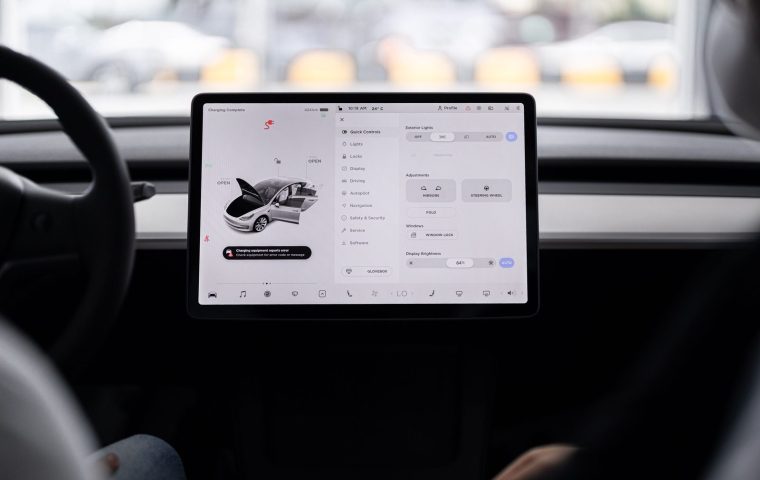

Greta got sold on a 15-inch touchscreen by a salesperson who spent twenty minutes swiping through it like it was a magic trick. Six months later I rode along on a grocery run and watched her use exactly four things on that giant slab of glass. Everything else was buried two or three menus deep, and she had no idea it was even there.
That gap between what a screen can do and what you actually touch on a Tuesday morning is the whole ballgame. A car's infotainment system gets sold on feature count, but it gets lived with on muscle memory. The stuff you reach for without looking is what matters.
So I want to walk through the features that earn their keep in daily driving, and the handful that look great on a spec sheet but go cold fast. I have spent a lot of seat time in test cars, and these are the patterns that hold up.
1. Wireless Apple CarPlay and Android Auto
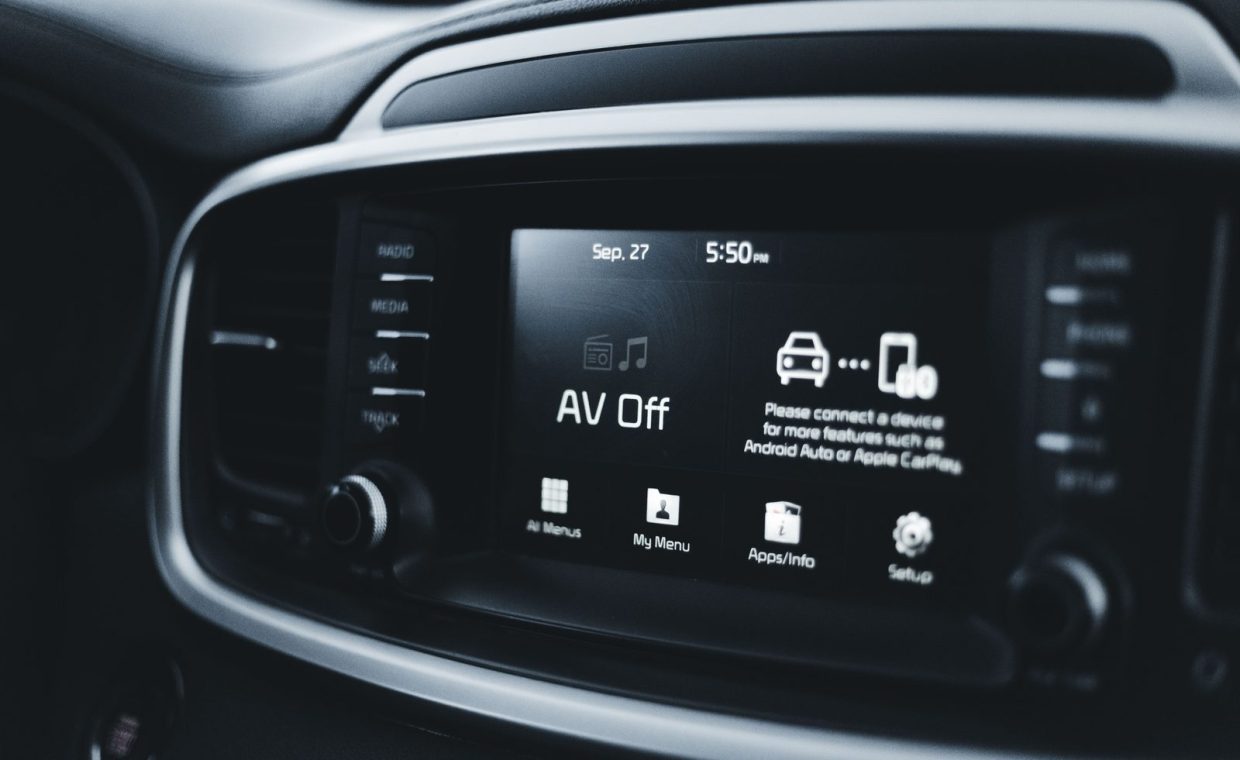
If I could keep only one feature, this would be it. Phone mirroring takes the interface you already know, your maps, your messages, your podcasts, and throws it on the dash without you learning a manufacturer's clunky menu tree.
The wireless part is what turns it from nice to essential. Plugging in a cable every single trip sounds trivial until you do it 400 times a year. Wireless means you sit down, the screen wakes up, and your stuff is just there.
One small ask when you shop: confirm it is wireless, not wired only. Plenty of 2021-era cars advertise CarPlay but make you tether. That detail changes the daily feel more than almost anything else on the screen.
On a test drive, pair your own phone before you leave the lot. If pairing takes more than a minute or drops on the road, that friction will follow you home every day.
2. Native Voice Control That Actually Listens
Good voice control is the difference between glancing at the road and glancing at a menu. When it works, you say "set temperature to 70" or "call Mom" and keep both hands on the wheel.
The catch is that voice quality varies wildly. Some systems nail natural phrasing, while others want you to memorize exact command syntax like it is 2009. Test this with messy, real sentences, not the polished phrases a salesperson feeds you.
I lean on voice most for climate and navigation, the two things I least want to dig through screens for at 65 mph. A system that handles those reliably saves more attention than any flashy graphics package.
3. Steering Wheel Controls Tied to the Screen
This one is easy to overlook because it is not technically on the screen, but it is how you avoid the screen. Volume, track skip, voice trigger, and adaptive cruise all living under your thumbs means your eyes stay forward.
The best setups let you scroll through a small driver display and adjust settings without ever touching the center stack. The worst bury everything in the touchscreen and leave the wheel buttons half empty.
Pay attention to whether the buttons are physical or capacitive. Real buttons with a click let you operate by feel. Flat touch pads on the wheel force you to look, which defeats the entire point.
4. Smart Native Navigation (When the Car Does It Right)
Phone maps are great, but a well-built native nav system has tricks your phone cannot match. It can route around traffic while feeding turn prompts into the head-up display and, on an EV, plan charging stops based on your actual battery state.
That EV piece is the real differentiator. A native system that knows your charge curve and routes you to a working fast charger beats a generic map app that just points at a pin. If you drive electric, this alone can change a road trip.
That said, the choice is not always obvious, and I dug into the full tradeoff in this look at whether built-in navigation still beats your phone. For a lot of buyers the honest answer depends on how good the car's specific system is.
Native nav that integrates with the head-up display keeps the next turn in your line of sight. That is a genuine safety win over glancing down at a phone mounted on a vent.
5. Wireless Charging Pad That Holds the Phone Still
A charging pad sounds like a luxury until you run wireless CarPlay and watch your battery drain because the screen and radio are working hard. The pad keeps the phone topped up so the convenience does not cost you a dead phone by lunch.
The detail nobody mentions: the pad has to actually grip the phone. A flat slick tray lets your phone slide off during a hard corner and stop charging. The good ones have rubber lips or a clamping cradle.
Check that your phone, in its case, fits and charges. Big phones with thick cases sometimes overhang the coil and barely sip power. That is a five-second thing to verify before you sign.
6. Multiple USB-C Ports in Sensible Places
Ports are boring and that is exactly why they get neglected. A car with one tired USB-A jack hidden under the armrest is a daily annoyance for anyone hauling passengers or kids.
What you want is at least two USB-C ports up front and a couple in the back, ideally high-output ones that charge a tablet quickly. The location matters as much as the count. A port you can reach without contorting is a port you will use.
This is the cheapest feature to get right and the one automakers cheap out on most. Open the doors, count the ports, and note whether they are old USB-A or modern USB-C.
7. A Clean, Persistent Backup and Surround Camera
Every new car has a backup camera by law, so the question is quality, not presence. A sharp, fast-loading image with clear guidelines is something you use every single time you reverse, which adds up to thousands of uses.
The upgrade worth chasing is a 360-degree surround view. In tight garages and parallel parking, a top-down composite turns a stressful maneuver into a calm one. I use it daily in a narrow alley behind my place and would miss it badly.
Watch for lag and grain. A camera that takes two seconds to wake up or smears in low light is the kind of thing that quietly erodes your trust until you stop relying on it.
A backup camera is not a dash cam. The camera helps you park, but it does not record the road ahead for disputes. If you want footage that protects you, that is a separate piece of gear.
8. A Dedicated Dash Cam Integration
A growing number of cars now offer built-in dash cam recording through the existing cameras, and it is quietly one of the most useful features for real ownership. It runs in the background and you forget it exists until the day you need it.
That day tends to be ugly. A clean recording of who actually ran the light can settle a claim in your favor fast, and I walked through exactly how that plays out in this story about a dash cam that saved an insurance claim. The footage did the arguing.
If the car does not offer it built in, a good aftermarket unit covers the same ground. Either way, this is a feature you will be grateful for precisely on the worst day of your driving year.
The Three You Probably Won't Touch
Now the other side. These features photograph well in a brochure and feel exciting on the lot, but they cool off fast once the novelty wears thin.
9. In-Car Gaming and App Stores
Several brands now brag about built-in games and full app marketplaces. In practice, you can only play while parked and charging, which is a narrow slice of life unless you live at a fast charger.
I tried this exactly once in a test car, beat a level, and never opened it again. The novelty is real for about ten minutes. For the money it adds to a trim, I would rather have better speakers.
If you genuinely road trip in an EV and burn 30-40 minutes at chargers regularly, fine, it has a use. For most commuters it is a feature you demo for friends and then forget.
10. Customizable Ambient Lighting With 64 Colors
Ambient lighting is lovely. I am not anti-mood, and a warm glow on a night drive feels nice. But the 64-color, animated, pulse-to-the-music versions are a one-time toy.
Almost everyone picks a color in the first week, maybe a second one for fun, and then leaves it. The elaborate menus for syncing lights to your playlist get opened once. The feeling of premium fades, the actual usage flatlines.
Treat it as a pleasant bonus, never a reason to jump trims. If a higher package gives you ambient lighting plus things that matter, great. If it is the headline feature, be skeptical.
11. Built-In Streaming Video and Browsers
Streaming Netflix or browsing the web on the center screen is the feature that makes the best showroom demo and the worst daily case. You cannot watch while driving, so it lives entirely in parked time.
The reality is your phone or tablet already does this better, with your accounts logged in and a screen you can hold. The car's version usually has a clunkier interface and a screen angle that is awkward for a back seat.
I would not pay a cent for it. If it comes free with a connectivity package you wanted anyway, treat it as packaging, not value. The same logic, by the way, applies to charging habits, and avoiding a few common EV charging mistakes will do far more for your ownership experience than any in-car browser.
How to Judge a Screen on the Test Drive
Here is the quick mental model I use. Sort every feature into two buckets: things you touch while moving and things you only touch while parked. The moving-bucket features are where money is well spent.
Then test the moving-bucket items the way you actually drive, not the way the demo goes. Pair your phone, bark a messy voice command, reverse into a tight spot, and feel for lag.
| Feature | Daily use? | Why |
|---|---|---|
| Wireless phone mirroring | Yes | Familiar interface, zero learning curve |
| Voice control | Yes | Keeps hands on the wheel |
| Surround camera | Yes | Used every park and reverse |
| Dash cam recording | Yes | Protects you on the bad day |
| In-car gaming | Rarely | Parked-only novelty |
| 64-color lighting | Rarely | Set once, then ignored |
| Streaming video | Rarely | Your phone does it better |
Buy the car for the features you will touch at 65 mph, not the ones that wow a passenger in a parking lot. Wireless mirroring, voice, cameras, and dash recording earn their keep daily. Gaming, mood lighting, and streaming fade fast.
Is a bigger infotainment screen always better?
No. A bigger screen often just buries more menus and reflects more glare. What matters is how quickly you can reach the three or four things you use constantly, and whether physical controls exist for climate and volume. A sharp 10-inch screen with smart layout beats a laggy 15-inch one.
Should I pay extra for native navigation if I have a phone?
It depends on the car and how you drive. For EV owners, a good native system that plans charging stops around your real battery state is genuinely worth it. For most gas-car commuters, phone maps cover the daily need just fine, so do not pay a big premium for nav alone.
Can I add features like wireless CarPlay or a dash cam later?
Some, yes. Aftermarket adapters can add wireless CarPlay to many wired systems for around $80, and a quality dash cam is a clean add at any time. Hardware-baked features like a surround camera or head-up display are much harder to retrofit, so prioritize those when buying.
The screen is the part of a new car you touch most, so it deserves more than a flashy thirty-second demo. Sit in the seat, pair your own phone, and run through your real Tuesday routine before you fall for the light show. The features that fade into the background, the ones you stop noticing because they just work, are the ones worth paying for. Happy hunting, and may your menus be shallow.